Check-in
A booked room only counts as occupied if somebody actually turns up – otherwise it is released.
An end to reservations nobody uses
In many organisations meeting rooms get booked well in advance – but not every booking actually happens. Short-notice cancellations and forgotten appointments leave rooms empty while the booking system still shows them as occupied.
With the optional check-in, Zeitwart makes sure booked rooms are really used. A booking only stands once it has been confirmed on site, so spare capacity shows up again quickly and goes back to everyone else.
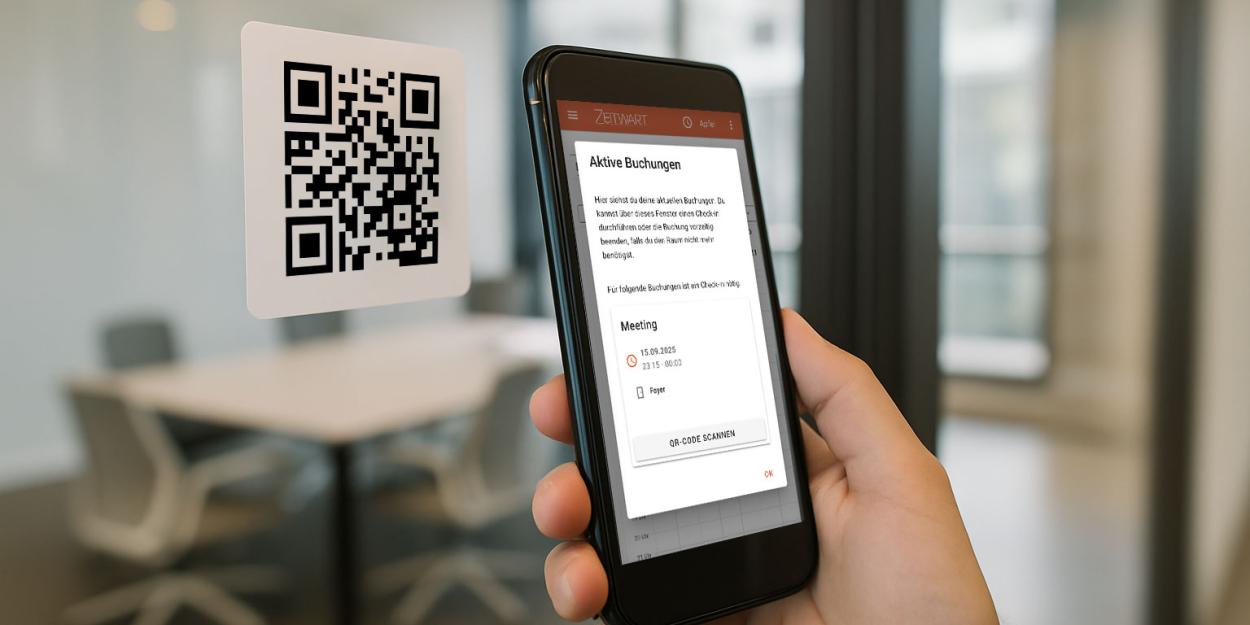
Check in by QR code or at the display
Checking in takes a few seconds. Depending on the setting, people can do it:
by QR code at the room
at the room display
in the web interface
through other integrated check-in options
Once the check-in has happened, the booking stays active and the room is held for the booked period. Depending on your configuration, either the person who booked or any registered participant can check in – which keeps things working when someone stands in for a colleague.
Rooms released automatically
If nobody checks in, Zeitwart reacts on its own. After a grace period you define, the system releases the room again and marks the booking as a no-show. You choose what else should happen: notify the administrators of the unit, the participants, the person who created the booking, or the contact address of the organisational unit.
Rules that fit your organisation
Not every resource needs a check-in, so the function is configured per organisational unit and inherited down the tree. You decide:
which rooms require a check-in at all
how many minutes before the start the check-in window opens
how long the system waits before a booking counts as a no-show
who is allowed to check in – the participants, or anyone at a display
whether people get a reminder beforehand
Whether someone must check in at all is controlled by their role, so the obligation follows the person, not the room.
Reminders prevent forgotten bookings
So that as few bookings as possible lapse, Zeitwart reminds people of their appointment in time. The message text is stored per language and sent in the recipient's own language.
Data for better space planning
Zeitwart records check-ins and no-shows and makes the data available for analysis. You can see which rooms are frequently left unused, how high actual utilisation is, which areas are in demand and how many bookings were released automatically – a sound basis for planning space on real usage rather than on reservations.
Benefits at a glance
fewer no-shows and fewer rooms standing empty while marked as busy
unused rooms released automatically after a grace period you set
checking in by QR code or at the room display takes seconds
check-in rules per organisational unit, obligation per role
reminders before the booking starts, in the recipient's language
transparent reporting on how rooms are really used