Book from anywhere
Whether on the go on your phone, at your desk, via QR code or directly at the display outside the room: Zeitwart offers many ways to book. Zeitwart is compatible with all web-enabled devices and gives you the same simple user experience.

Whether on the go on your phone, at your desk, via QR code or directly at the display outside the room: Zeitwart offers many ways to book. Zeitwart is compatible with all web-enabled devices and gives you the same simple user experience.

Mobile devices
Users typically carry their mobile device with them. Zeitwart is displayed as a web app directly in the browser, so no app installation is required. Zeitwart can therefore be used from anywhere to view an occupancy or make a booking on the go. If the user's credentials are stored on the device, a fingerprint or Face ID is enough to log in, depending on the device. All views are mobile first, meaning they were primarily designed to be displayed on a mobile device.
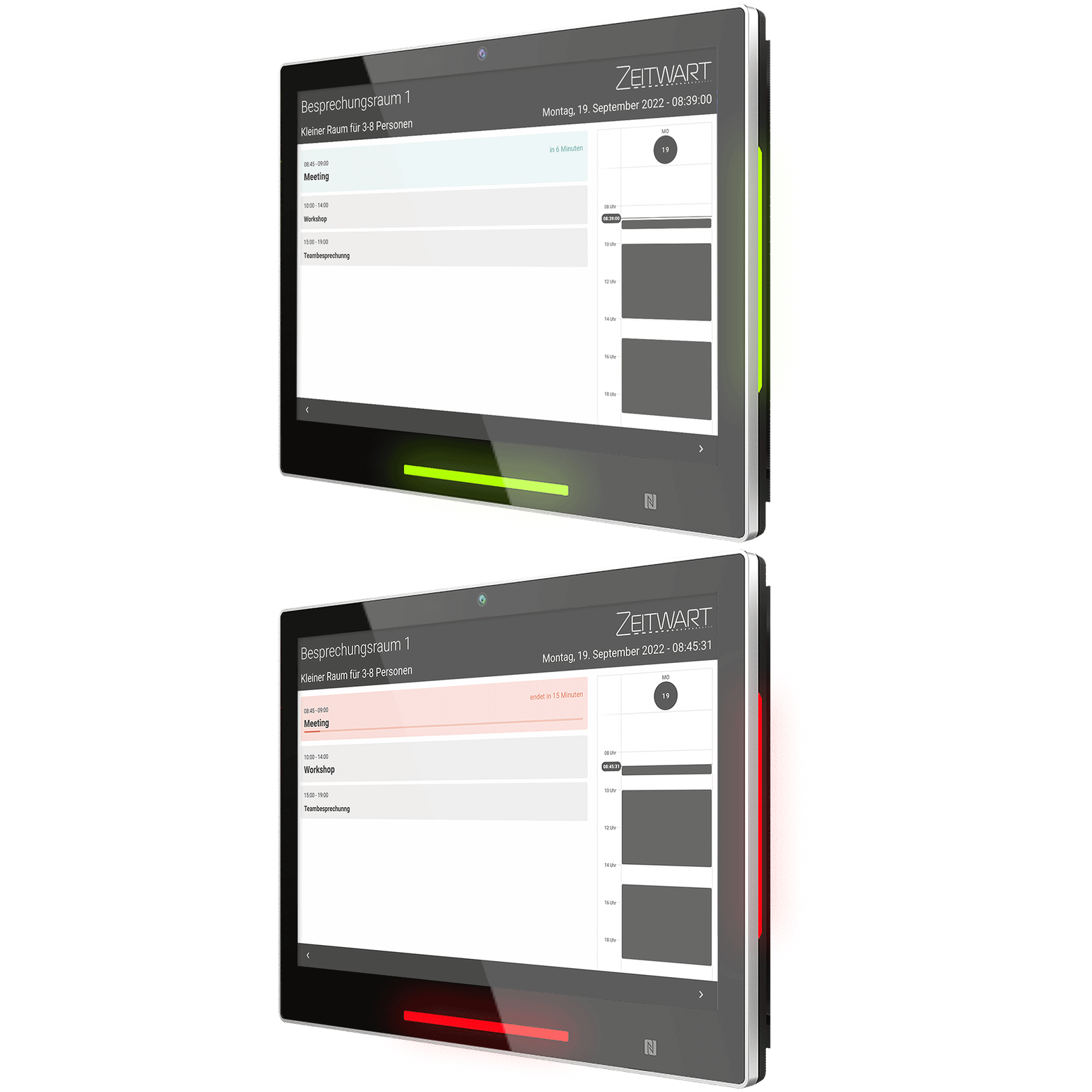
Room displays
We offer optional displays that are perfectly integrated into Zeitwart. In addition to showing the bookings, the displays can also indicate occupancy via LED and let you authenticate directly at the display via NFC chip. A booking can then be made directly, without any further login step.
HDMI displays
You can use your existing HDMI displays with Zeitwart. Simply connect our HDMI box and the display always shows all Zeitwart occupancies, kept up to date. If you connect a touch display, you can of course also control Zeitwart.
QR code
A QR code on the rooms or resources can be read by a mobile device and then leads directly to a booking page for that resource. With just one more click, the resource is booked ad hoc for the user. The QR codes can also be used to direct users to the booking calendar or to a maintenance page for the resource.